


Quick Lottery Setup
Setting up new lottery is easy:
- make sure all steps from Installation are done (WooCommerce installed, plugin enabled, cronjobs set)
- go to Products => Add Products
- add title, description, images, featured image, select category – all things you do when adding regular product
- in Product Data dropdown menu select Lottery
- you will see new tab in left menu named Lottery, see screenshot:
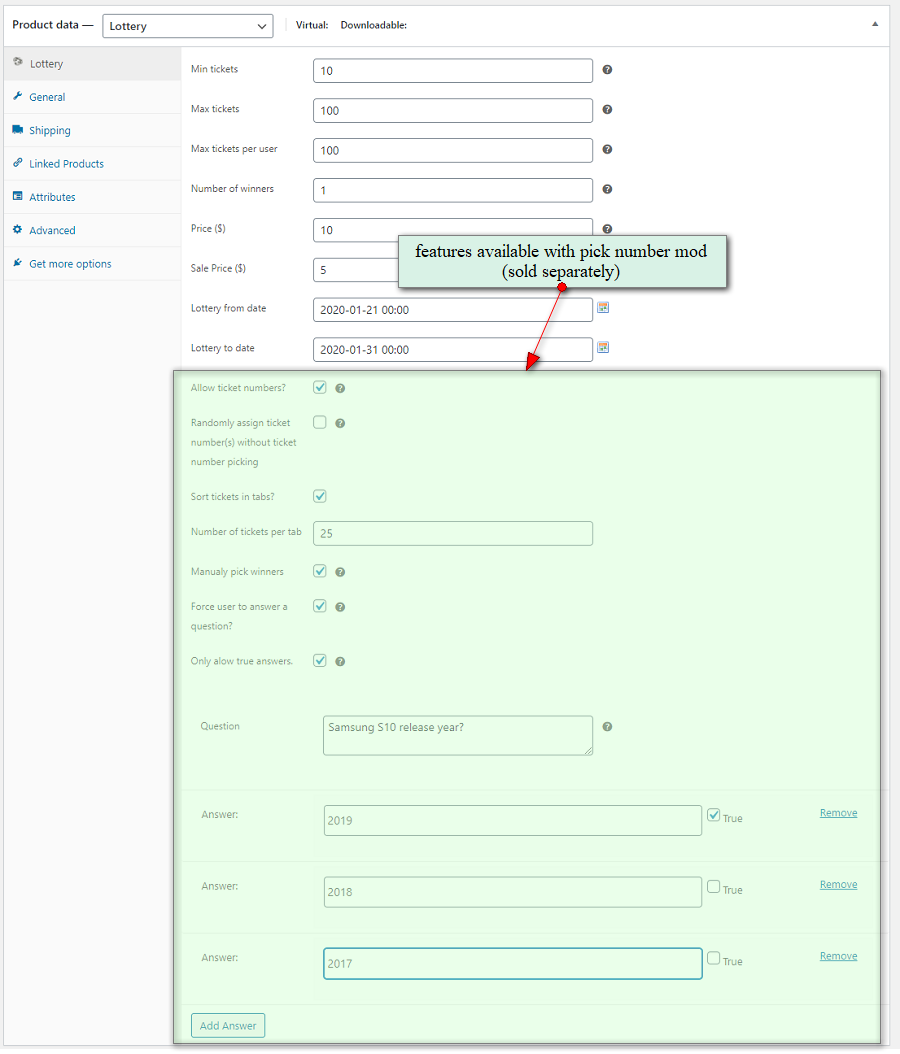
- fill all details (they are self explainable)
- set lottery duration by setting start and end date
- publish product (lottery)
In WooCommerce Settings -> lottery you can set lottery base page where you display a list of all lotteries (archive page). Please see note if you want to set your lottery page as home page. If you have lottery only website there is no need to setup lottery base page, you can use WooCommerce shop page.
When creating new lottery make sure to create it via add new product rather than cloning product or existing lottery. If you clone / copy existing lottery all custom meta will be cloned. That means if lottery has finished, meta field that defines finished lotteries will also be cloned and lottery will always look like it is finished. To create new lottery from existing one use relist feature.
If you need to trash / cancel order please go to edit order, cancel it by changing order status and then trash it. That is proper way to do order cancellation for lotteries, otherwise (if you just trash order) log data can be left in lottery log tables.
More Info
New product type lottery:
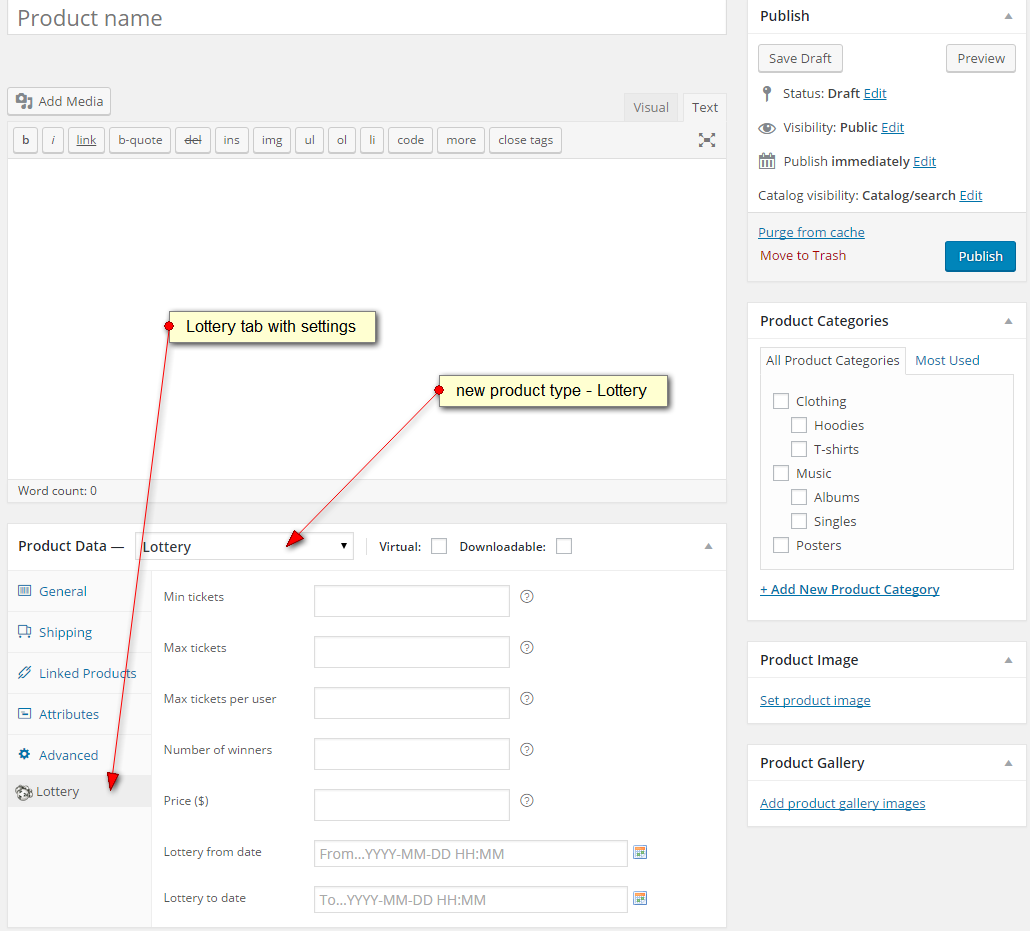
Lottery edit product screenshot (with Pick Number Mod addon for WooCommerce Lottery):
Plugin Options
Settings are mostly self explainable, please see screenshot below. You can enable or disable showing past and future lotteries, another useful setting is whether to mix regular products with lotteries or just show lotteries on separate page (defined via WC Lottery Base Page dropdown option, see screenshot).
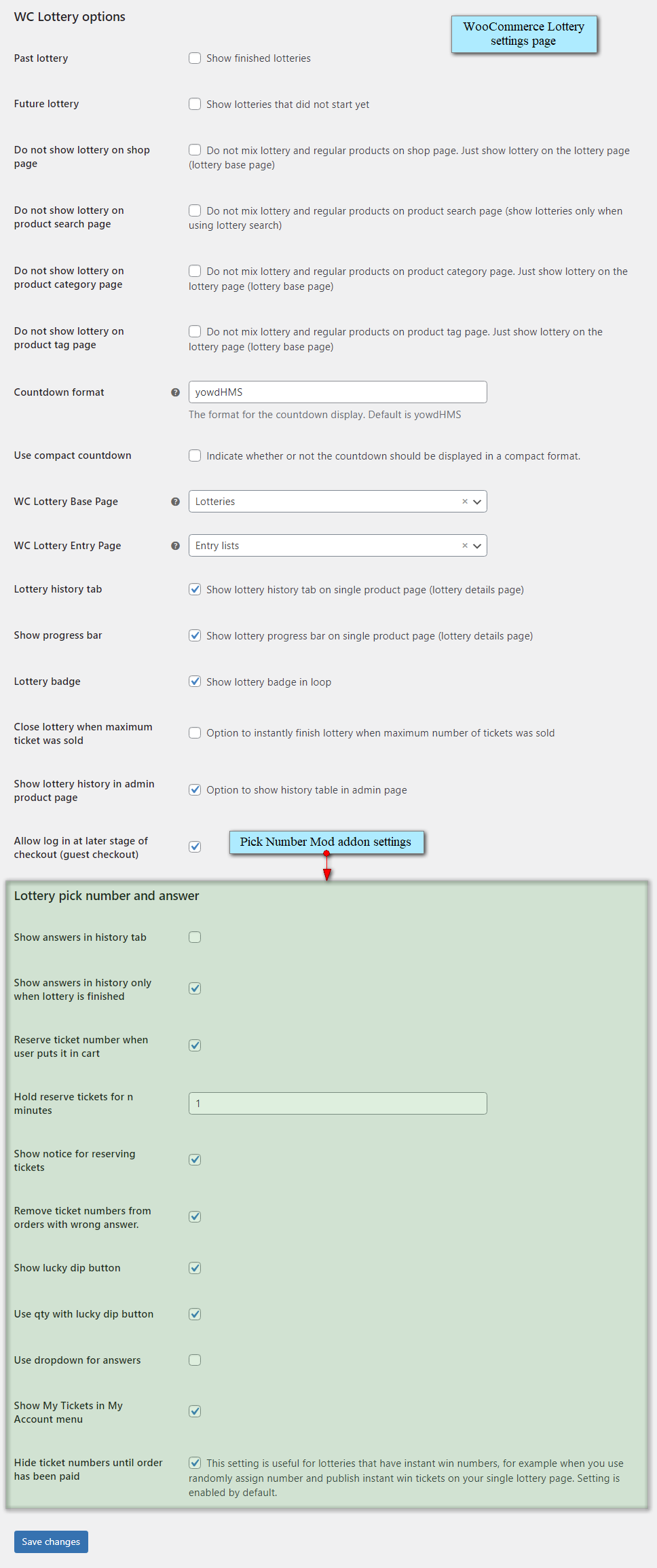
Screenshot above includes available settings for Pick Number Mod addon for WooCommerce Lottery (options listed under title “Lottery pick number and answer” are related to Pick Number Mod addon).
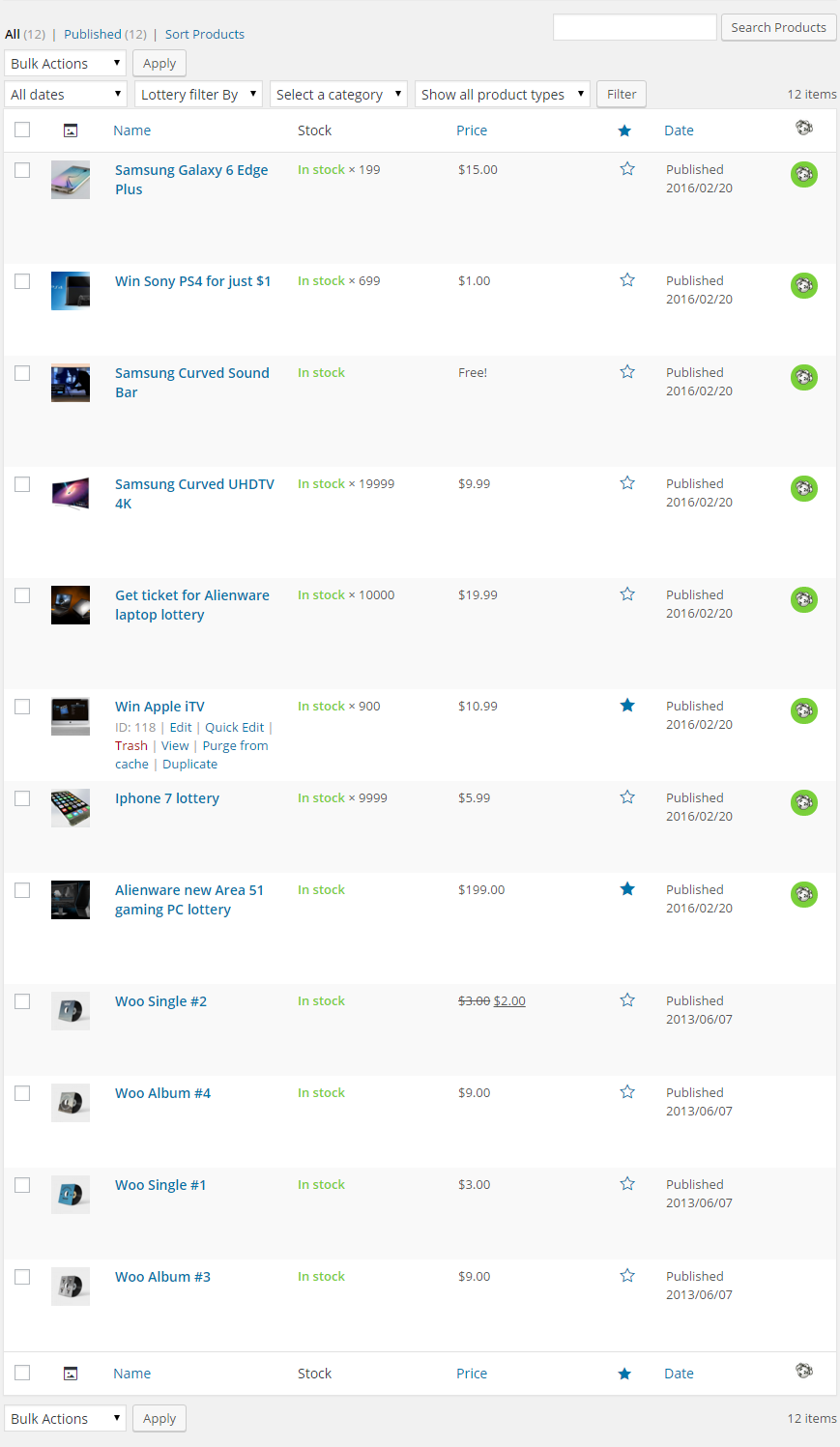
On screenshot below you can see how product list with lotteries looks like. Lottery status icon colors: red – active lottery, orange – finished, red – failed. Column “product type” (with icons) on the products admin screen in WooCommerce was removed in version 3.4.0 and in order to see icons you need to install WooCommerce Product Type Column plugin. See FAQ item no 30.
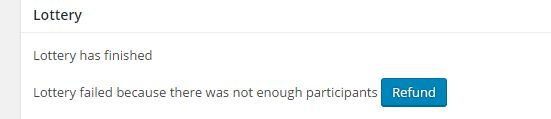
If lottery has failed, in product / lottery details you will see option to “Refund” or buttons to “Relist” or “Extend” lottery. “Refund” enables you to refund all tickets to participants if your lottery rules require that and your payment gateway supports refunds. “Extend” allows extension of end date keeping all current participants (and their orders) while “Relist” resets lottery and it starts with 0 participants. Only failed lotteries can be extended (or refunded) while all finished lotteries can be relisted. See FAQ item no 32.
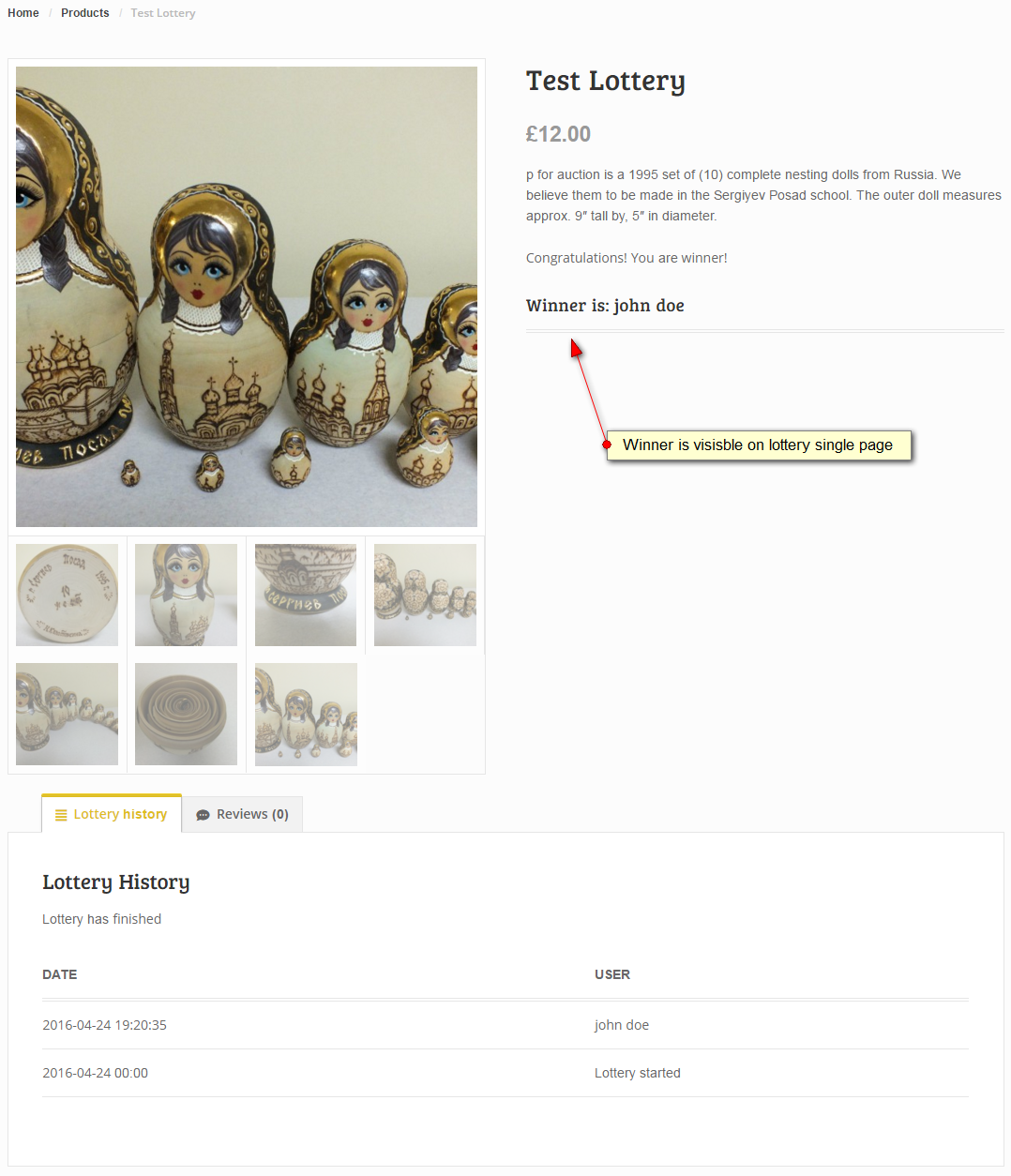
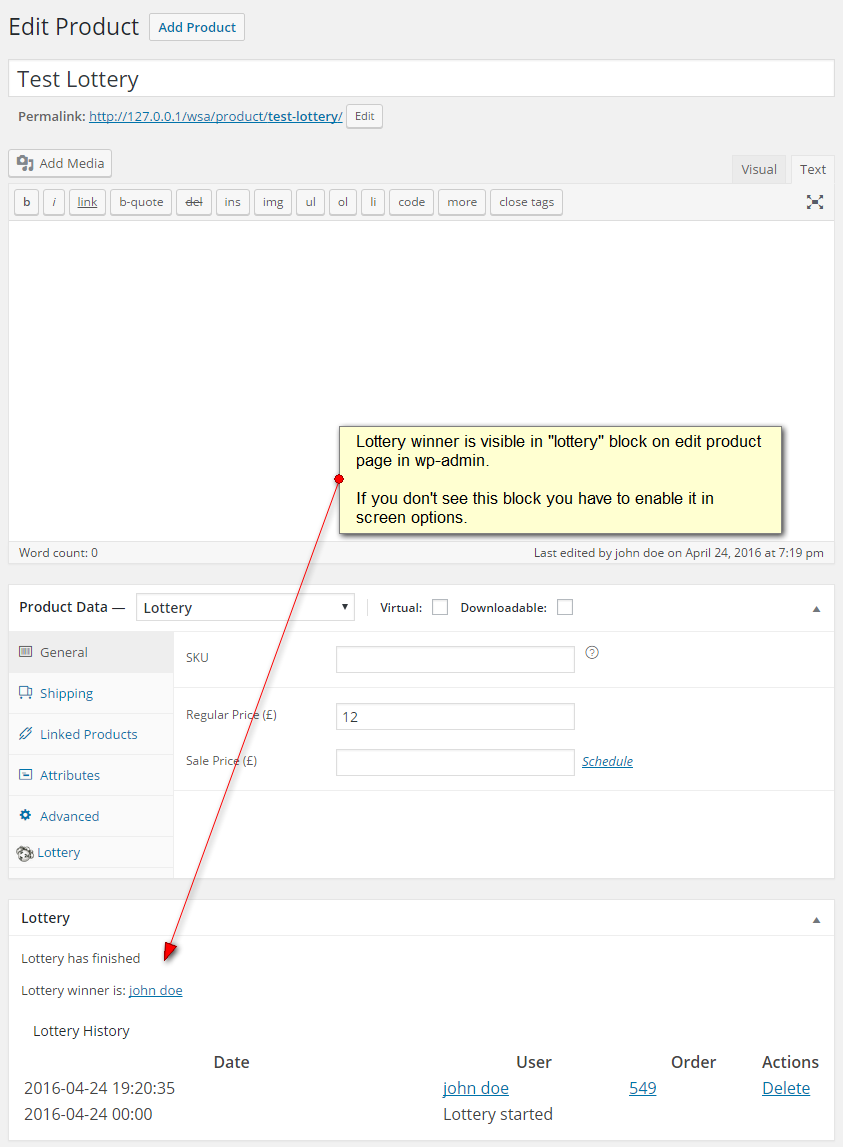
Once lottery is finished you can view winners on single lottery page or in wp-admin edit product page. Below are screenshots.Beside that you can create my lotteries page for users where you can use this shortcode: show user’s lotteries (active lotteries in which user participates and list of user’s won lotteries) –
Please log in to see your lotteries.
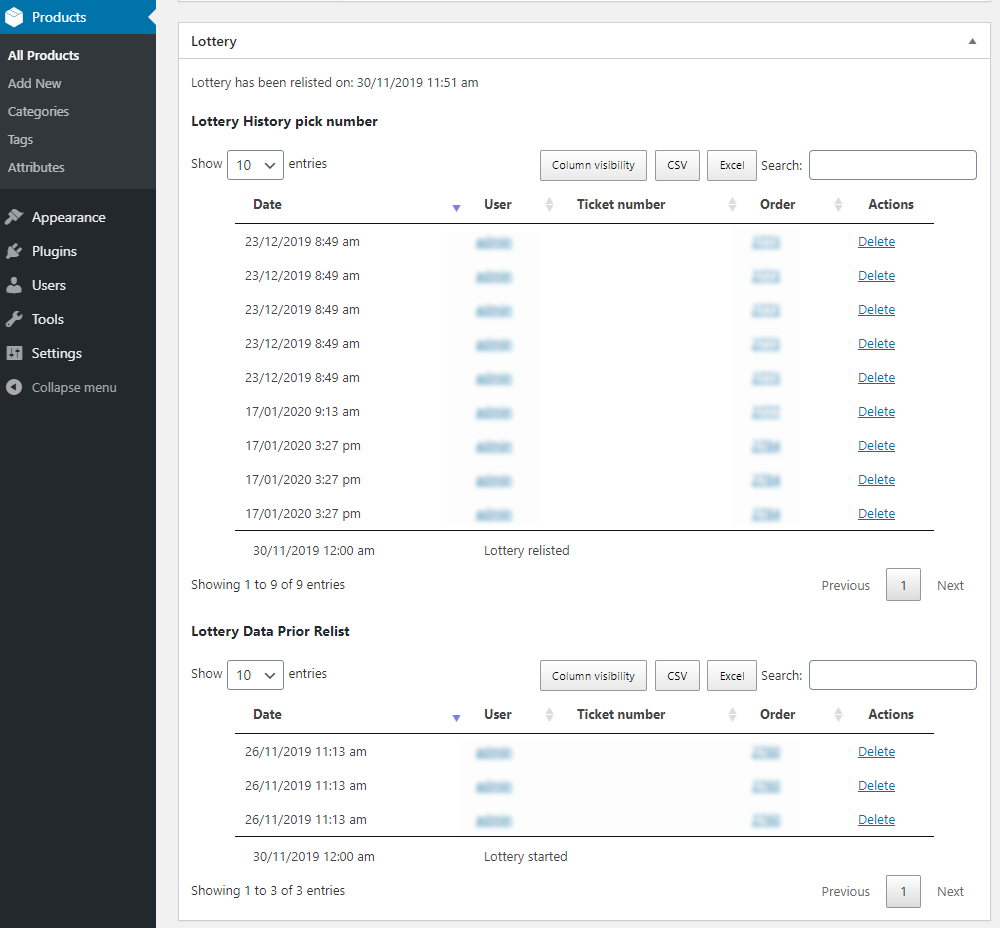
In lottery details block with lottery history entries enables you to view and delete ticket orders, export them to CSV or Excel and view history prior relisting. Check screenshot below. Failed lotteries can be relisted (restarted – meaning participants will be lost) or extended (end date will be changed) keeping all current participants.
How does Lottery plugin pick winners (or winning numbers if you use Pick Number addon)?
Winner(s) is / are picked randomly once lottery is finished or you can manually enter winning numbers in case you have Pick Number Mod addon. Plugin uses mt_rand PHP function to randomly pick winners. PHP function mt_rand() which provides solid randomization for this purpose.
If you use WooCommerce Lottery (also with Pick Number Mod addon) and for example you have setup lottery with max 100 tickets and min 50 tickets, then if you sell 55 tickets winner(s) will be choosen between those 55 tickets not all 100 tickets.
With Pick Number Mod addon you can get also different behaviour with enabled checkbox option called “Manual winner picking”, meaning that when lottery ends and after you generate randomly winning numbers (or use national lottery numbers or random.org) you will enter numbers in text input field. It is then possible that your lottery could end without winners (if none of participants picked right number(s)).
With Pick Number Mod and question / answers feature enabled winners will be choosen among those with correct answer only. In case you are manually entering winning numbers you will need to be sure that winning number has correct answer – this can be seen in lottery history table block (which you can export to Excel or CSV for easier management).
Shortcodes
Here is a list of all available plugin shortcodes. Some shortcodes accept optional orderby and order attributes. Shortcode
-
Sale!

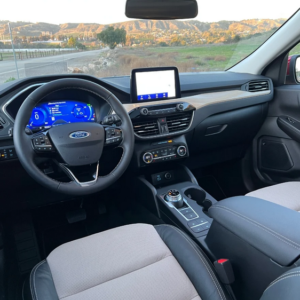
2024 Ford Escape SE
$380.00 Participate -
Sale!
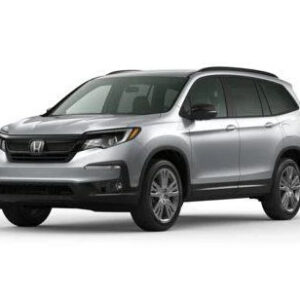

2024 Honda Pilot SPORT
$435.00 Participate -
Sale!


2024 Tesla Model 5 Long Range Dual Motor
$435.00 Participate -
Sale!


2024 Toyota Camry Hybrid SE
$495.00 Participate -
Sale!


Apple iPhone 15 Pro Max 256GB DEEP PURPLE
$39.00 Participate -
Sale!
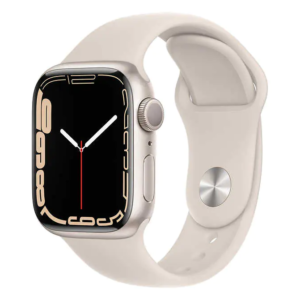

Apple Watch Series 7 GPS 45mm Starlight
$17.00 Participate -
Sale!
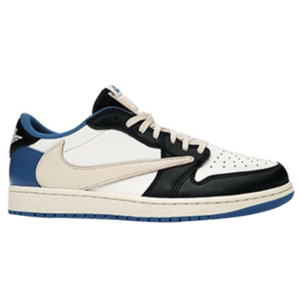

Jordan 1 Retro Low Fragment Design x Travis Scott
$34.00 Participate -
Sale!
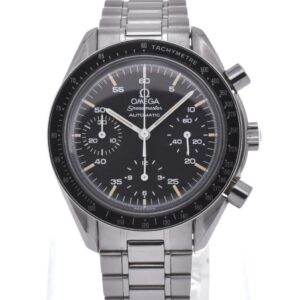
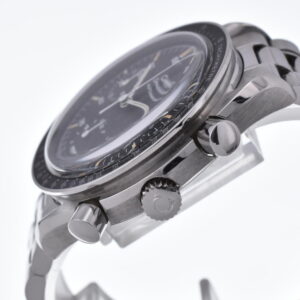
OMEGA Speedmaster 3510.50 Chronograph Men’s Watch
$39.00 Participate -
Sale!


Samsung Galaxy S24 Ultra 5G S908 AT&T Verizon T-Mobile US Cellular
$24.00 Participate
-
Sale!
2024 Ford Escape SE
$380.00 Participate -
Sale!
2024 Honda Pilot SPORT
$435.00 Participate -
Sale!
2024 Tesla Model 5 Long Range Dual Motor
$435.00 Participate -
Sale!
2024 Toyota Camry Hybrid SE
$495.00 Participate -
Sale!
Apple iPhone 15 Pro Max 256GB DEEP PURPLE
$39.00 Participate -
Sale!
Apple Watch Series 7 GPS 45mm Starlight
$17.00 Participate -

Bounty Grey
$109.95 Add to cart -
Sale!
Jordan 1 Retro Low Fragment Design x Travis Scott
$34.00 Participate -
Sale!
OMEGA Speedmaster 3510.50 Chronograph Men’s Watch
$39.00 Participate -
Paris
$129.95 Add to cart -
Sale!
Samsung Galaxy S24 Ultra 5G S908 AT&T Verizon T-Mobile US Cellular
$24.00 Participate
- show lottery winners –
[lotteries_winners], [lotteries_winners paginate="true" limit="12" order="desc"] - show featured lotteries –
[featured_lotteries], [featured_lotteries paginate="true" limit="12" columns="4" orderby="date" order="desc"] - show ending soon lotteries –
[ending_soon_lotteries], [ending_soon_lotteries paginate="true" limit="12" columns="4" order="desc" future="no" lottery_status="active"] - show recent lotteries, lottery_status=”active” attribute filters out finished lotteries –
[recent_lotteries], [recent_lotteries paginate="true" limit="12" columns="4" orderby="date" order="desc" lottery_status="active"] - show future lotteries –
[future_lotteries], [future_lotteries paginate="true" limit="12" columns="4" orderby="date" order="desc"] - show lotteries (with specific product ID) –
[lotteries ids="1,2,3,4,5"]this shortcode supports attributes (pagination and sort) similar to WooCommerce shortcode complete list of options is here - show user’s lotteries (active lotteries in which user participates and list of user’s won lotteries) –
[my_lotteries], [my_lotteries paginate="true" limit="5"] - show past / ended lotteries –
[finished_lotteries], [finished_lotteries paginate="true" limit="12" columns="4" order="desc"] - shortcode for lucky dip with quantity example (Pick Number Mod addon only) –
[lottery_lucky_dip_buton qty="5" label="buy 5 tickets"] - shortcode to display all instant wins (Pick Number Mod addon only) –
[lottery_all_instant_wins paginate="true" limit="5" orderby="title"] - shortcode to display all instant winners (Pick Number Mod addon only) –
[lottery_all_instant_winners limit="5"] - shortcode to display all instant winners tab (Pick Number Mod addon only), if you use this shortcode you can disable instant wins TAB in Woo Settings > Lottery settings –
[lottery_instant_winners_tab]
Reference for each shortcode we have can be found in public\class-wc-lottery-shortcodes.php and public\class-wc-shortcode-lotteries.php
